

Betting Payments
Paripesa Pix: Deposits and Withdrawals for Brazilian Players
Learn how to fund your account and cash out winnings using Brazil's instant payment system.

Sports Betting Analyst & Football Predictions Expert
Brian Otieno is a Kenyan sports betting analyst with over 10 years of experience in football predictions, match analysis, and betting strategies. He specializes in European football leagues, statistical analysis, odds comparison, and identifying value betting opportunities. His approach combines data-driven insights, team performance research, and disciplined bankroll management to help sports enthusiasts make more informed betting decisions.
Brazilian bettors have watched Pix transform how money moves across the country since the Central Bank launched it in late 2020. The system settles transfers in seconds, works around the clock, and costs nothing for most personal transactions. For anyone placing bets online, that combination is hard to ignore. Paripesa added Pix support early, and it quickly became the default choice for players who want to fund an account or pull out winnings without waiting days for a bank transfer to clear.
Contents
- 1. Why Pix Became the Standard for Brazilian Bettors
- 2. Opening a Paripesa Account from Brazil
- 3. Making Your First Pix Deposit
- 4. Withdrawing Winnings via Pix
- 5. Verification and KYC Requirements
- 6. Common Pix Issues and How to Fix Them
- 6.1. Deposit Not Credited
- 6.2. Withdrawal Rejected or Returned
- 6.3. Processor Maintenance Windows
- 7. Pix vs Other Payment Methods on Paripesa
- 8. Bonuses and Promotions with Pix Deposits
- 9. Mobile Experience: Paripesa App and Pix
- 10. Responsible Gambling Tools and Pix Limits
- 11. Tax Implications for Brazilian Players
- 12. Troubleshooting Checklist
- 13. Paripesa Pix Support Channels
- 14. Final Assessment of Paripesa Pix for Brazilian Players
This guide walks through the entire process — from opening a Paripesa account to making your first Pix deposit, requesting a withdrawal, and understanding the limits and timing that apply. It also covers the practical details that often get overlooked: what happens if a payment fails, how to avoid common mistakes, and what the platform expects when you verify your identity.
If you already know the basics and just need the steps, skip ahead to the relevant section. If you are new to Paripesa or to Pix itself, reading straight through will give you a clear picture of what to expect.
Why Pix Became the Standard for Brazilian Bettors
Before Pix, Brazilian players relied on boletos, bank transfers (TED/DOC), or international e-wallets. Boletos take one to three business days to confirm. TED and DOC only run during banking hours and often carry fees. E-wallets add an extra layer — you fund the wallet, then fund the betting site — and many charge for currency conversion or withdrawals. Pix removed all of that friction. A transfer leaves your bank app and lands in the merchant's account in under ten seconds, any day of the year, with no fee for the sender.
Paripesa integrated Pix through local payment processors that act as intermediaries. When you choose Pix on the deposit page, the platform generates a unique QR code or a copia-e-cola (copy-paste) string. You open your bank app, scan or paste, confirm, and the money appears in your betting balance almost instantly. The same infrastructure handles withdrawals in reverse: you request a payout, the processor sends a Pix transfer to your registered key, and the funds hit your account within minutes in most cases.
Opening a Paripesa Account from Brazil
Before you can use Pix, you need a registered account. Paripesa allows registration by phone, email, or one-click methods. For Brazilian players, the phone option using a local +55 number is the smoothest path. You receive an SMS code, set a password, and the account is live. The platform also asks for your currency preference — choose BRL to avoid conversion fees on every transaction.
After the initial signup, complete your profile in the personal cabinet. Fill in your full name, date of birth, CPF, and address. This information must match the bank account that holds your Pix key. Mismatches are the most common reason withdrawals get delayed or rejected later.
- Register with a Brazilian phone number (+55)
- Select BRL as account currency
- Complete personal details: name, CPF, date of birth, address
- Verify phone and email via codes sent to each
- Enable two-factor authentication for extra security
Making Your First Pix Deposit
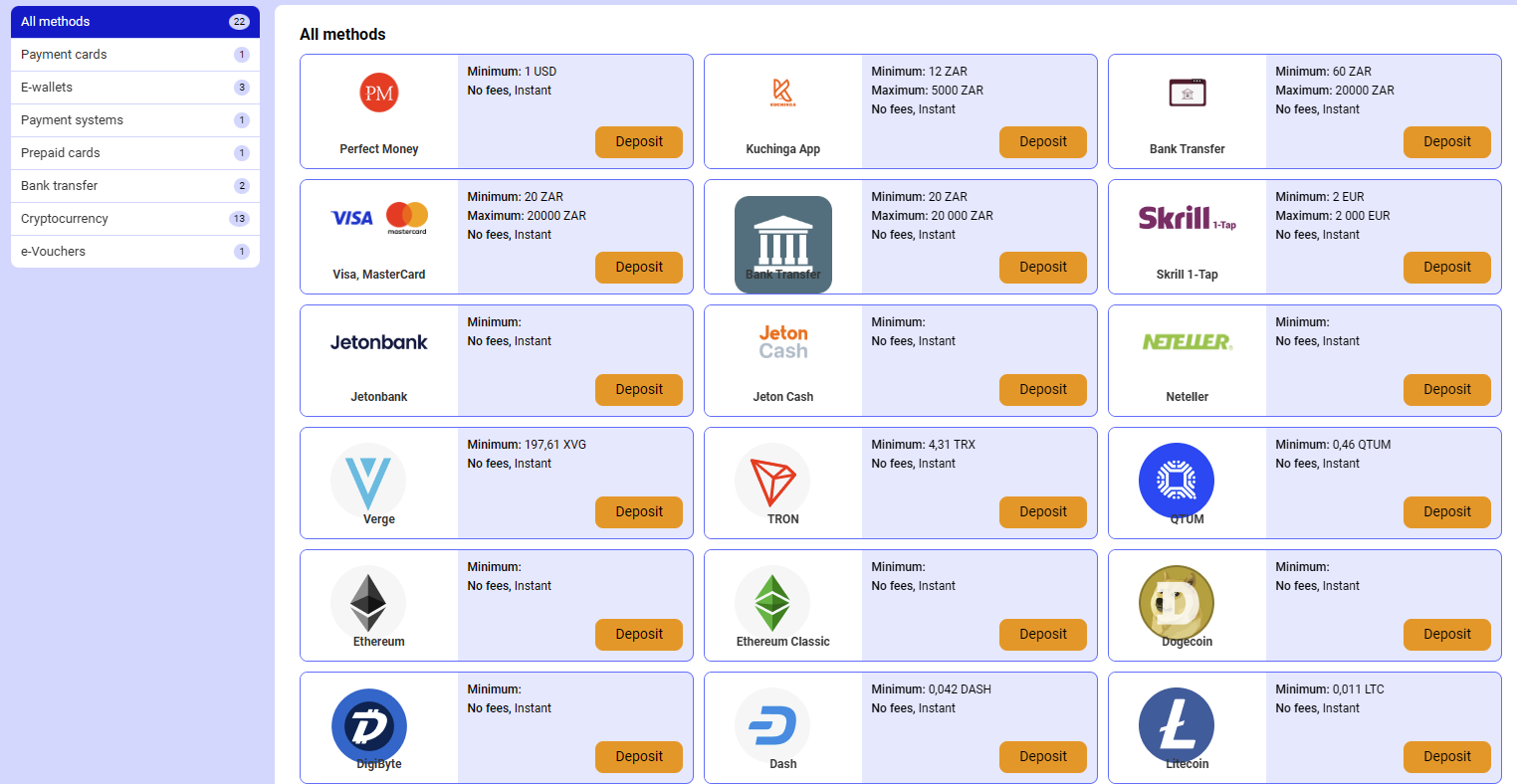
Log in, click the Deposit button (usually top right), and select Pix from the list of payment methods. The minimum deposit is typically 30 BRL, though it can vary slightly depending on the processor Paripesa routes you to. The maximum per transaction is often around 50,000 BRL, but daily limits may apply based on your account verification level.
After entering the amount, you will see a QR code and a copia-e-cola string. Open your bank app — Nubank, Itaú, Bradesco, Caixa, Banco do Brasil, Inter, C6, or any other Pix-enabled institution — choose the Pix payment option, and either scan the QR code or paste the string. Confirm the payment with your biometric or PIN. The screen will show the recipient as the payment processor, not Paripesa directly. That is normal.
Within seconds, the deposit should reflect in your Paripesa balance. If it does not appear after two minutes, refresh the page. Rarely, a processor delay can take up to ten minutes. If the money left your bank but has not credited after fifteen minutes, contact support with the transaction ID from your bank app (the end-to-end ID, or E2E ID). Do not attempt a second deposit for the same amount until the first one resolves — duplicate payments create reconciliation headaches.
Withdrawing Winnings via Pix
Withdrawals follow a similar flow but with a few extra safeguards. Go to the Withdrawal section, choose Pix, enter the amount, and confirm. The minimum withdrawal is usually 50 BRL. The maximum per request often sits around 20,000 BRL, with daily and monthly caps that increase as you complete verification tiers.
The platform will send the funds to the Pix key linked to your verified profile. If you have multiple keys (CPF, phone, email, random), the processor typically defaults to the CPF key because it ties directly to your identity. You cannot redirect a withdrawal to a different key or a third-party account — anti-money-laundering rules require the destination to match the registered account holder.
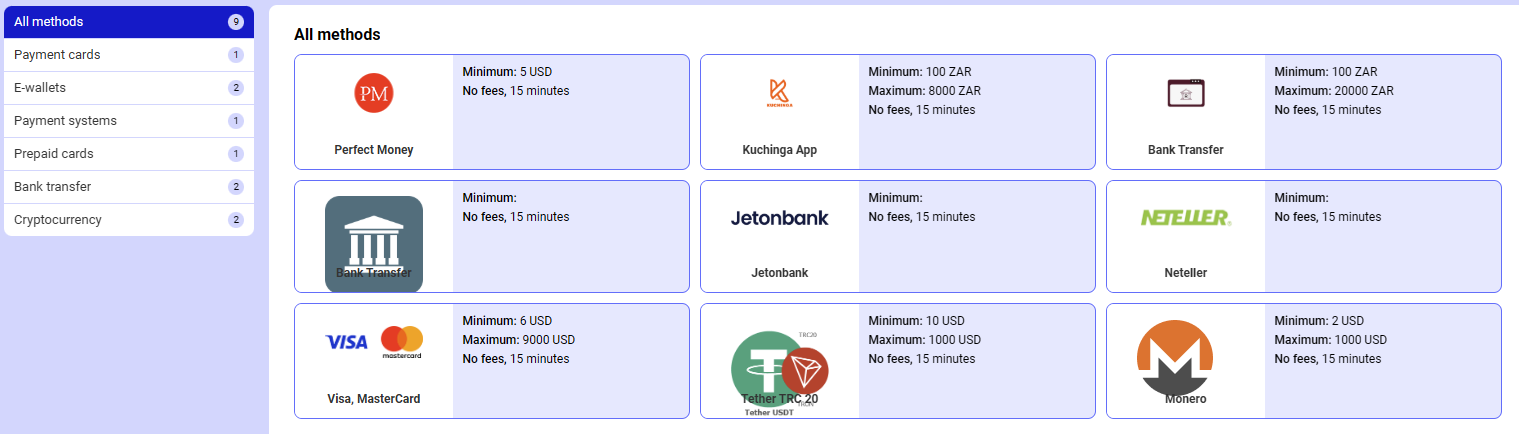
Most Pix withdrawals complete within fifteen minutes. During high-traffic periods — major football matches, tournament finals — the processor queue can stretch to an hour or two. If a withdrawal shows as "processed" on Paripesa but the money has not arrived after two hours, check your bank app for a pending Pix entry. Some banks display incoming Pix transfers as pending until the next business day reconciliation, though the funds are already reserved. If nothing appears, open a support ticket with the withdrawal ID.
Scroll horizontally to see all columns
| Transaction Type | Minimum | Maximum per Request | Daily Limit (Verified) |
|---|---|---|---|
| Deposit | 30 BRL | 50,000 BRL | 100,000 BRL |
| Withdrawal | 50 BRL | 20,000 BRL | 50,000 BRL |
Verification and KYC Requirements
Paripesa operates under a Curacao license and follows standard know-your-customer procedures. For Brazilian players, the key document is a valid CPF. The platform will ask for a photo or scan of your CPF document (or the digital version from the gov.br app) and a proof of address — utility bill, bank statement, or internet bill issued within the last three months. A selfie holding your ID may be requested for higher verification tiers.
Complete verification as early as possible. Unverified accounts face lower withdrawal limits, longer processing times, and occasional manual reviews that can freeze payouts for days. Once verified, Pix withdrawals become routine and fast. The verification team usually responds within a few hours during business days.
Common Pix Issues and How to Fix Them
Most Pix transactions on Paripesa go through without a hitch. When something goes wrong, it usually falls into one of a few patterns. Knowing the cause helps you resolve it faster or avoid it altogether.
Deposit Not Credited
If the money left your bank but the Paripesa balance has not updated, wait fifteen minutes. Check the transaction status in your bank app — it should show "completed" with an E2E ID. Copy that ID. If the deposit still has not appeared, contact Paripesa support via live chat (available 24/7) and provide the E2E ID, amount, and timestamp. The support agent can trace the payment on the processor side. Do not file a chargeback with your bank; that will flag your betting account and may lead to permanent closure.
Withdrawal Rejected or Returned
A withdrawal can be rejected if the Pix key on file does not match your CPF, if the key is inactive or blocked, or if the processor detects a mismatch between the account holder name and the Paripesa profile. The funds return to your Paripesa balance, and you will receive a notification. Update your Pix key in the payment settings — make sure it is a CPF key registered to the same name — and request the withdrawal again.
Processor Maintenance Windows
Payment processors occasionally run maintenance, usually late at night (Brazilian time) on weekends. During these windows, Pix deposits and withdrawals may fail or sit in a pending state. Paripesa typically posts a banner on the payment page when a known maintenance window is scheduled. If you hit an error outside announced windows, try a different processor if the dropdown allows it, or wait thirty minutes and retry.
The fastest way to resolve a stuck Pix payment is the E2E ID from your bank app. Support can trace it in seconds. Without it, you are waiting for manual reconciliation.
Pix vs Other Payment Methods on Paripesa
Paripesa offers a long list of deposit and withdrawal options for Brazil: boleto, bank transfer, PicPay, Mercado Pago, AstroPay, various cryptocurrencies, and more. Each has its place, but Pix wins on speed and cost for the vast majority of users.
Scroll horizontally to see all columns
| Method | Deposit Speed | Withdrawal Speed | Fees | Best For |
|---|---|---|---|---|
| Pix | Instant | 5-60 min | None | Most users |
| Boleto | 1-3 business days | Not available | None | No bank app access |
| Bank Transfer (TED) | Minutes to hours (bank hours only) | 1-2 business days | Bank may charge | Large amounts |
| PicPay / Mercado Pago | Instant | Not always available | Possible wallet fees | Wallet users |
| Crypto (USDT, BTC) | Blockchain confirmations | Blockchain confirmations | Network fees | Privacy / no bank link |
Boleto still exists for players who cannot or will not use a banking app, but the delay makes it impractical for live betting. Bank transfers work for high rollers moving five-figure sums, but they respect banking hours and can incur fees. E-wallets add a middleman. Crypto is an option if you already hold it, but conversion costs and network fees eat into small amounts. Pix hits the sweet spot: instant, free, and universally available to anyone with a Brazilian bank account.
Bonuses and Promotions with Pix Deposits
Paripesa runs a standard welcome package for new Brazilian players — typically a matched deposit bonus on the first deposit, sometimes extending to the second or third. Pix deposits qualify for all of them. The bonus terms (wagering requirements, minimum odds, time limits) are the same regardless of payment method. There is no Pix-exclusive bonus, and there is no penalty for using Pix.
Recurring promotions — accumulator boosts, cashback offers, free bet clubs — also work with Pix. The only time a payment method matters for bonuses is when a specific offer explicitly excludes certain methods (common with Skrill/Neteller on some platforms). Paripesa does not currently exclude Pix from any promotion.
Mobile Experience: Paripesa App and Pix
The Paripesa Android app (APK download from the site) and iOS app (App Store in supported regions) both support Pix deposits and withdrawals natively. The flow is identical to desktop: tap Deposit, choose Pix, scan the QR code with your bank app on the same phone, or copy the string and switch apps. On iOS, the QR scanner in the bank app can read the code directly from a screenshot if you save it first.
The mobile website works just as well if you prefer not to install the app. It loads the same payment gateway and generates the same QR codes. One practical tip: keep your bank app updated. Older versions sometimes struggle with the newer Pix copia-e-cola format or fail to parse the QR code correctly.
Responsible Gambling Tools and Pix Limits
Paripesa provides the usual responsible gambling controls: deposit limits (daily, weekly, monthly), loss limits, session time limits, self-exclusion, and a reality check reminder. These limits apply regardless of payment method. If you set a daily deposit limit of 500 BRL, the system will block any further Pix deposits once you hit that cap until the window resets.
It is worth setting these limits before you start. Pix makes depositing so frictionless that it is easy to lose track of how much you have moved in a session. A hard limit enforced by the platform is more reliable than a mental one.
Pix removes the friction that used to act as a natural pause. When a deposit takes three days, you have time to reconsider. When it takes three seconds, you need the platform's tools to create that pause for you.
Tax Implications for Brazilian Players
Brazilian tax law treats gambling winnings as taxable income. The current framework requires individuals to declare net gambling gains in their annual income tax return (Declaração de Ajuste Anual) and pay the applicable rate. Paripesa does not withhold tax at source. It is the player's responsibility to keep records of deposits, withdrawals, and net results.
Pix transactions create a clear audit trail in your bank statement — each deposit and withdrawal shows the processor name, date, and amount. Export your Paripesa betting history periodically (available in the personal cabinet) and match it against your bank records. This makes tax declaration straightforward and protects you if the Receita Federal ever requests documentation.
Troubleshooting Checklist
When something feels off, run through this list before contacting support. It resolves the majority of cases.
- Confirm your Paripesa account currency is BRL
- Verify the Pix key on file matches your CPF and is active
- Check that your bank app is updated to the latest version
- Ensure you have not hit a deposit or withdrawal limit (platform or bank)
- Look for maintenance banners on the Paripesa payment page
- Save the E2E ID from your bank app for any failed transaction
- Try a different Pix processor if the dropdown offers multiple options
- Clear browser cache or restart the app if the QR code will not load
Paripesa Pix Support Channels
Live chat is the fastest route. It operates 24/7 with Portuguese-speaking agents during Brazilian business hours and English-speaking agents outside those hours. Have your user ID, the transaction amount, timestamp, and E2E ID ready. Email support ([email protected]) works for non-urgent issues but expect a 12-24 hour response. The site also has a Telegram channel and a contact form, but live chat remains the most reliable for payment problems.
When you contact support about a Pix issue, start with: "Pix deposit/withdrawal issue, user ID [your ID], amount [X] BRL, timestamp [date/time], E2E ID [from bank app]." That gives the agent everything needed to open a trace with the processor immediately.
Frequently Asked Questions
What is the minimum Pix deposit on Paripesa?
The minimum Pix deposit is typically 30 BRL. This can vary slightly by payment processor, but 30 BRL is the standard floor.
How long does a Pix withdrawal take to reach my bank account?
Most Pix withdrawals complete within 5 to 60 minutes. During peak times or processor maintenance, it can take up to a few hours. If the status shows processed but the money has not arrived after two hours, check your bank app for a pending entry or contact support.
Can I withdraw to a different Pix key than the one registered?
No. Anti-money-laundering rules require withdrawals to go to a Pix key registered to the same CPF as the Paripesa account holder. You cannot send funds to a third party or a different key.
Are there any fees for using Pix on Paripesa?
Paripesa does not charge fees for Pix deposits or withdrawals. Your bank also does not charge for personal Pix transactions. The only potential cost is if your bank imposes a fee for business-type Pix keys, which is rare for individual accounts.
What should I do if my Pix deposit shows completed in my bank but not in Paripesa?
Wait 15 minutes, then refresh. If still missing, copy the E2E ID from your bank app and contact Paripesa live chat with your user ID, amount, timestamp, and that E2E ID. Do not make a duplicate deposit.
Does Paripesa offer a specific bonus for using Pix?
No. Pix deposits qualify for all standard bonuses (welcome package, reload offers, cashback) on the same terms as other payment methods. There is no Pix-exclusive promotion and no penalty for using Pix.
Can I use Pix on the Paripesa mobile app?
Yes. Both the Android APK and iOS app support Pix deposits and withdrawals with the same QR code and copia-e-cola flow as the desktop site.
Final Assessment of Paripesa Pix for Brazilian Players
Pix on Paripesa works the way online betting payments should: instant, free, and available every hour of every day. The integration is mature — the QR codes generate reliably, the processors settle fast, and the withdrawal flow respects the regulatory requirement that funds return to the account holder. For a Brazilian player, there is no practical reason to use boleto, TED, or an e-wallet unless you are moving amounts above the Pix per-transaction cap or you specifically want to keep betting transactions off your primary bank statement.
The main friction points are not unique to Paripesa: verification delays on new accounts, occasional processor maintenance, and the hard rule that withdrawals must match the registered CPF. All of those are manageable if you verify early, keep your Pix key active, and save the E2E ID from your bank app whenever you transact. Do those three things and Pix becomes invisible infrastructure — you deposit, you bet, you withdraw, and the money moves at the speed of a text message.